Guide
How to Install Drak Bike 201m on Any Android Phone
The calm way to install Drak Bike 201m: get the file, allow the install, pick a graphics tier, and run your first strip.

On this page
Installing Drak Bike 201m APK takes a few minutes, and most of them are spent choosing your first graphics tier, not fighting the install itself. The game is a free racing game for Android 7.0 and up, and once it is on your phone, the strip, the road circuit and the open city are all right there. Nothing here needs a computer, a cable or a special account.
Check your phone first
Drak Bike 201m needs a phone on Android 7.0 or later. Open Settings, go to About phone, then Software information, and check the Android version listed there. If the phone is older than that, update the phone software first, since the game will not install properly on versions it does not support. Free up some storage too, since a racing game with four modes and five bikes needs room to breathe.
Get the file from the download page
Fetch the game file from the Drak Bike 201m download page and wait for the short countdown before the button appears. The file lands in your downloads folder in moments on a normal connection. Check the file details when it finishes: they should match the details listed on the download page, including the developer name, Mari Berkembang.
Allow the install and confirm
Tap the finished file. Android will ask whether your browser may install apps; allow it for this one file and tap install. That prompt appears for every app installed from a downloaded file rather than a store, and it is Android doing its job, not a comment on this particular game. If the install is blocked, check the Android version and the storage first, since those two cause most blocks. The fixes for Drak Bike 201m not working cover the rest in order.
Mistakes that waste your first hour
Most install trouble comes from three small mistakes. First, people download the file twice because the browser shows no progress bar, then tap the older copy by accident. Download once, wait for the finished notification, and open the file from there. Second, people allow the install permission for the wrong app: the permission belongs to the browser or file manager that opens the file, not to the game. If the install button stays grey, go back, check which app opened the file, and allow that one. Third, people open the game while the phone is still on a weak connection and the first load stalls, which looks like a failed install. Give it a minute on a stable connection. If the icon appears and the game opens to the menu, the install worked, and anything after that is a settings question, not an install problem.
First open: pick a graphics tier
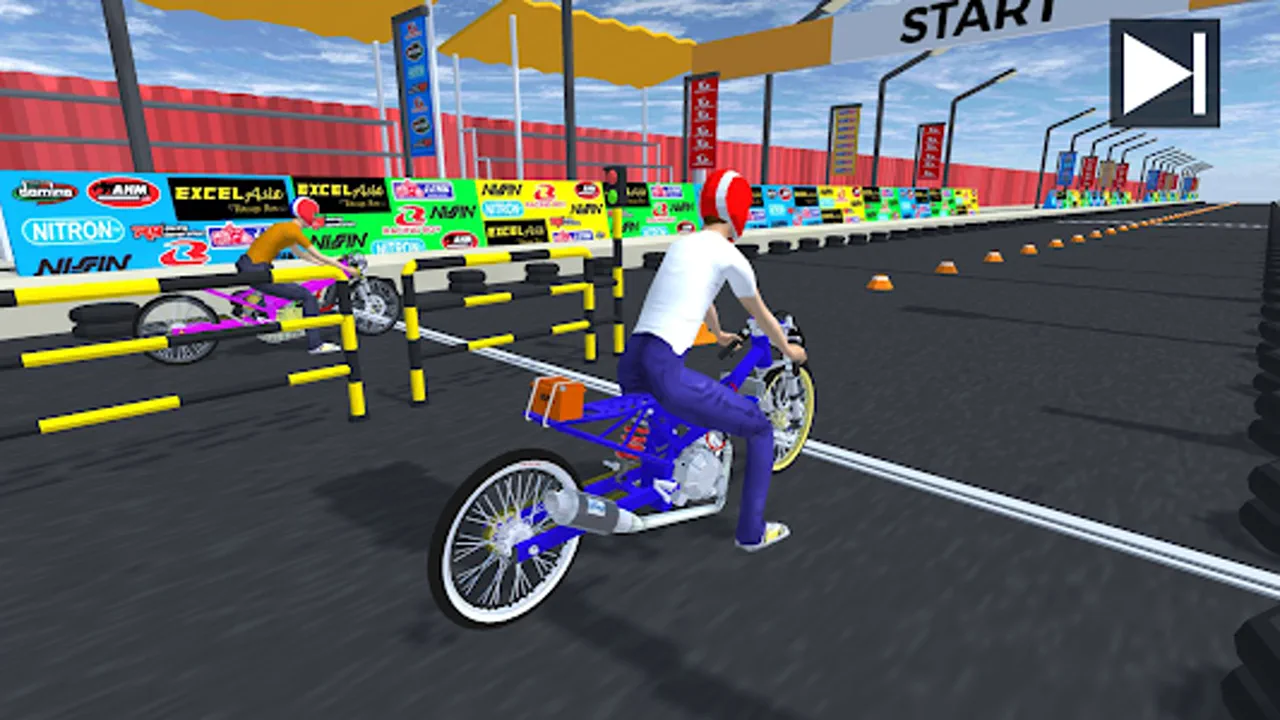
Open Drak Bike 201m and pick a graphics tier before your first race. SD keeps old phones smooth, HD suits most phones, and FHD is for flagships. Start on HD and move up or down after your first race, since the right tier depends on your phone, not on the game. Then run your first 201 meter drag: the launch and the first two shifts teach you more than any guide can. New riders should also read the Drak Bike 201m beginner guide before spending their first coins.
Quick Answers
What Android version do I need to install Drak Bike 201m?
Android 7.0 or later. Check Settings, then About phone, then Software information to see your version.
Why does Android ask permission to install Drak Bike 201m?
Android asks for every app installed from a downloaded file rather than a store. Allow it for your browser for this one file and the install goes ahead.
Which graphics tier should I pick on first open?
Start on HD. If the game stutters, drop to SD. If it runs perfectly smooth, try FHD. You can change the tier later from the settings.